or
or  .
.Thanks for your understanding!
 or .
or .
 I was so surprised when I opened my email and read that Teri over at Big Ideas From a Little Girl gave me this "Over The Top" award. =) Boy did it make my day!!


 You could re-set your tools? If your tools are acting strange and not doing what you know they should be doing, try resetting the tool. On the far left side of the options bar, click the tool's icon and choose "Reset Tool." You can reset all of the tools in the toolbox to their default settings at once by choosing "Reset All Tools."
 You could set your text to wrap? When using the text tool, the default is to type one straight line. It will go on forever unless you press the Enter key to start a new line. Did you know you can restrict text to an area by drawing a text box? Activate the text tool in the toolbox, and click & drag on an image to create a text box the size of the text area you desire. Start typing in the box & your text will automatically start a new line & stay inside the box.
To start a new line, press Enter once. To start a new paragraph, press Enter twice.
This is a great way to add text to a flyer or scrapbook page and control exactly where the text is placed on the page.
 You could see a sample of your fonts when deciding which one to use? Simply Go to Edit > Preferences > Type and check the box for Font Preview Size. Choose a size from the dropdown menu from Small to Huge. When the text tool is active, click the font menu on the options bar to see the font samples.
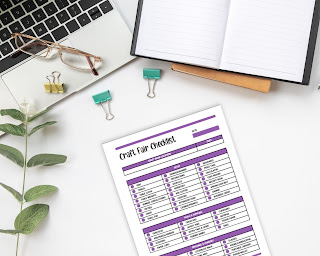
Craft fairs are bustling events where creativity shines, and artisans share their unique creations with the world. Whether you're a seas...